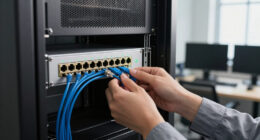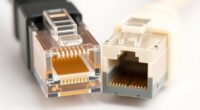
Many people believe that cable length doesn’t affect performance, especially with modern technology. However, this isn’t entirely true. While high-quality cables can handle longer runs, there are limits where signal quality starts to degrade. Ignoring these limits can lead to issues like data loss or reduced speed. Understanding the real impact of cable length helps you make better choices when setting up your devices. Explore why this myth persists and what factors truly matter.

Get business pricing on networking and server gear
- Business-only prices and quantity discounts
- Tax-exempt purchasing
- Multiple users, one account, clear invoices
Key Takeaways
- Modern technology minimizes signal loss, so cable length has minimal impact on performance within typical ranges.
- High-quality cables with proper shielding can transmit data effectively over longer distances without degradation.
- Signal boosters and repeaters enable extended cable runs without sacrificing data or image quality.
- Longer cables increase installation flexibility, allowing device placement farther apart without performance issues.
- Following best practices and choosing appropriate cable types ensure reliable performance regardless of length.
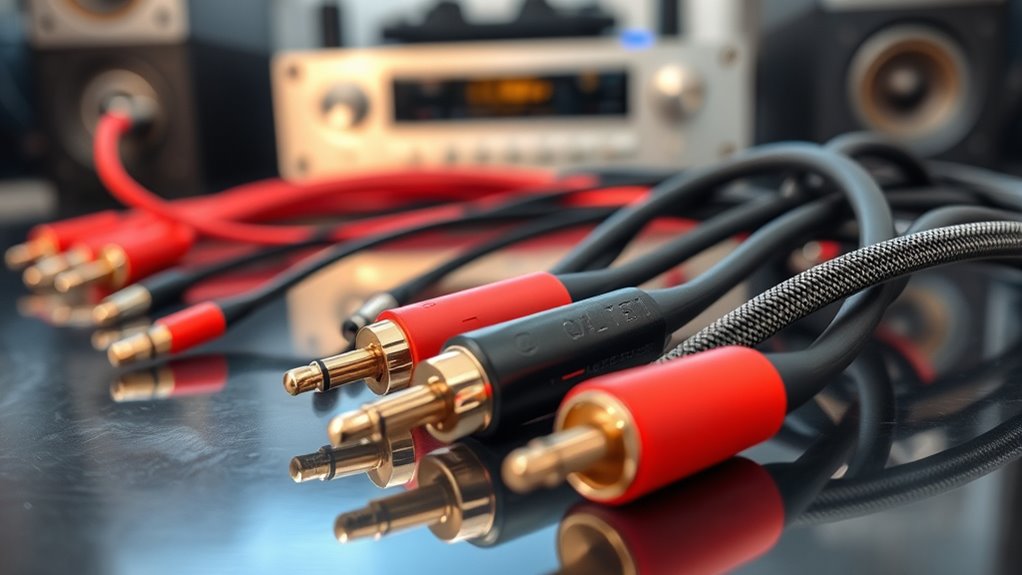
Many people assume that longer cables always lead to poorer performance, but in reality, cable length doesn’t considerably affect signal quality or speed. While it’s true that extremely long cables can introduce some signal degradation, modern technology has minimized this issue markedly. As long as your cable isn’t excessively long, you won’t notice any drop in performance. This means you don’t have to worry about placing your devices far apart; you can run longer cables without sacrificing speed or clarity. This flexibility is especially useful in setups where devices are spread out across a room or building, giving you greater installation options without concern for losing signal quality. Additionally, high-quality cables with proper shielding can maintain signal integrity over longer distances. Signal degradation, which refers to the weakening of the signal as it travels through a cable, is often misunderstood. Many think that any increase in length causes a noticeable drop in performance, but that’s rarely the case with high-quality cables. Manufacturers have developed materials and shielding that help preserve signal strength over longer distances. For most practical purposes, a cable length within recommended limits will transmit data with minimal loss. If you’re using a standard Ethernet or HDMI cable, a length of up to a few dozen meters usually won’t impact your viewing or internet experience. When longer runs are necessary, signal boosters or repeaters can be added to maintain quality, further dispelling the myth that length inherently harms performance. Another advantage of not having to limit your cable runs based solely on length is the increased installation flexibility. You can arrange your equipment more conveniently, avoiding tight or awkward setups. Whether you’re connecting a projector across a large conference room or running cables through walls in a home theater, longer cables give you the freedom to position devices ideally without worrying about signal loss. This flexibility can save time, reduce clutter, and eliminate the need for multiple shorter cables or complex wiring solutions. As long as you use quality cables and follow best practices, you gain more options for designing your space efficiently. Furthermore, understanding cable specifications can help you choose the right length and type for your specific needs.
high quality Ethernet cable 10 meters
As an affiliate, we earn on qualifying purchases.
As an affiliate, we earn on qualifying purchases.
Frequently Asked Questions
Can Ultra-Long Cables Ever Cause Signal Degradation?
Yes, ultra-long cables can cause signal degradation, leading to signal loss and slower data transfer. To prevent this, you should use quality cables with proper shielding for interference mitigation. Keep cable runs as short as possible, and consider active repeaters or signal boosters for longer distances. Regularly check your setup to guarantee peak performance, especially if you’re dealing with high-bandwidth applications.
How Does Cable Quality Influence Performance Over Different Lengths?
Cable quality notably influences performance over different lengths because high-quality cables reduce signal attenuation and enhance interference mitigation. When you use better cables, you notice clearer signals and fewer disruptions, even with longer runs. Poor-quality cables, on the other hand, allow more signal loss and interference, degrading performance over distance. So, investing in good cables ensures your connection remains strong and stable, regardless of length.
Are There Specific Cables Recommended for Very Long Runs?
For very long runs, you need cables that are practically superhero in quality. Look for high-quality Ethernet or HDMI cables with excellent connector quality and shielding to minimize signal interference. Brands like Monoprice, AudioQuest, or Belden are known for their reliable long-distance performance. These cables guarantee your signal stays strong and clear, even over hundreds of feet, preventing the performance issues that come with subpar wiring.
Does the Type of Cable (Fiber vs. Copper) Affect Length Impact?
Yes, the type of cable—fiber versus copper—affects how length impacts performance. Fiber optic cables handle longer distances without signal degradation thanks to their insulation and shielding effectiveness, which prevent loss and interference. Copper cables, however, are more susceptible to signal loss over long runs due to less effective insulation and shielding. So, when planning for long distances, fiber is usually the better choice to maintain ideal performance.
What Are the Best Practices for Minimizing Cable-Related Issues?
Think of your cables as the veins of your network—keeping them healthy guarantees smooth flow. To minimize issues, practice proper cable organization, avoiding tight bends and tangles that can cause signal loss. Regularly check and maintain connectors to prevent corrosion or loose connections. Use cable management tools like ties and sleeves, and keep cables away from interference sources. This proactive approach keeps your network running efficiently and reduces potential problems.
As an affiliate, we earn on qualifying purchases.
Conclusion
Remember, cable length can impact your device’s performance more than you might think. Even a simple stretch of a few meters can cause signal degradation if not properly managed. Did you know that over 100 meters, Ethernet cables can experience up to 90% signal loss without boosters? So, don’t just assume longer cables are fine—consider proper shielding or signal boosters to keep your connection stable and fast. Your setup depends on it!
signal booster for long cable runs
As an affiliate, we earn on qualifying purchases.
As an affiliate, we earn on qualifying purchases.
As an affiliate, we earn on qualifying purchases.
Halloween Picks
halloween
As an affiliate, we earn on qualifying purchases.