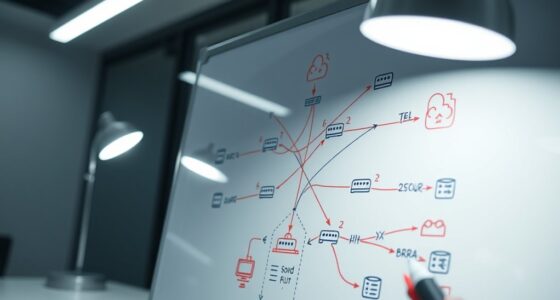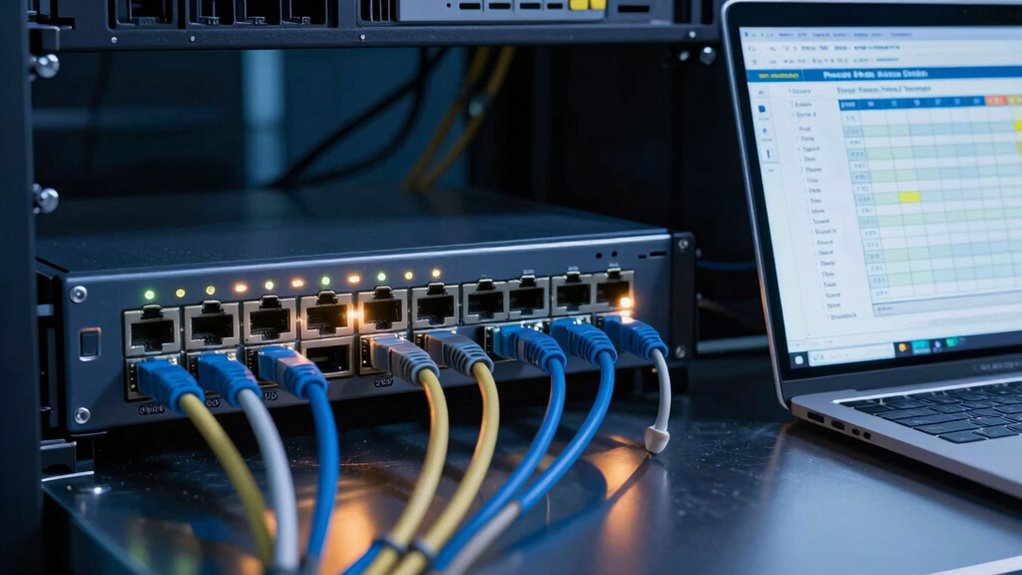
As your network expands, managing PoE budgets becomes more complex and essential. You need to account for increasing device power needs, switch capacity limits, and future growth. Without proper planning, you risk power shortages, device failures, or costly upgrades. Scalability and efficient power allocation are now top priorities. Staying proactive and understanding these challenges can help you avoid bottlenecks and keep your network running smoothly. Keep going to discover how to master PoE budgeting effectively.

Get business pricing on networking and server gear
- Business-only prices and quantity discounts
- Tax-exempt purchasing
- Multiple users, one account, clear invoices
Key Takeaways
- Increasing device density and power demands require more detailed and accurate PoE capacity planning.
- Network growth and scalability needs make future power requirements harder to predict and manage.
- Complex network topologies and multiple switch layers complicate power distribution and budgeting.
- Evolving PoE standards and higher power device support add to planning considerations.
- The need to prevent outages and overloading prompts more proactive and sophisticated PoE budgeting strategies.
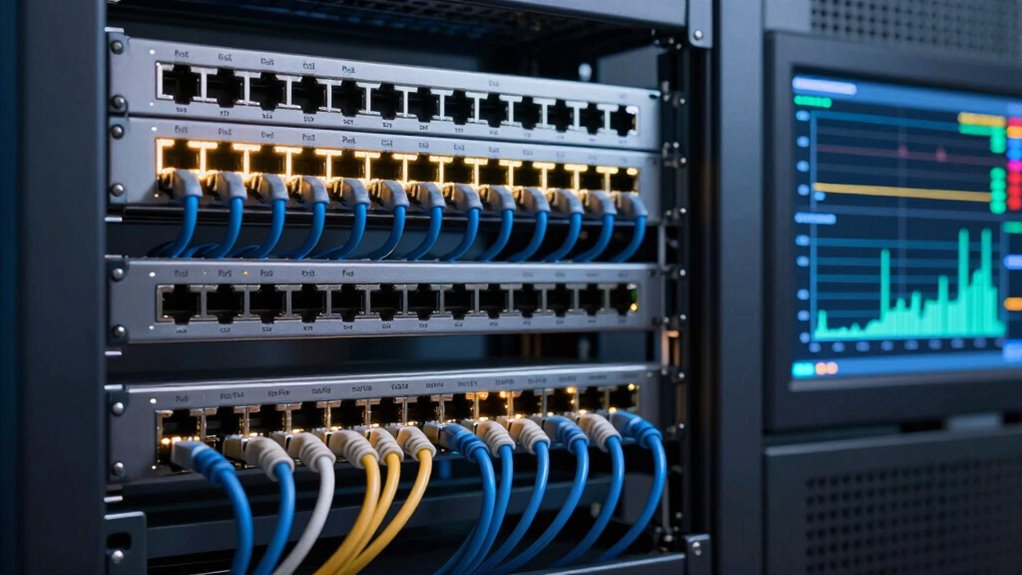
Power over Ethernet (PoE) budgeting planning is essential for guaranteeing your network devices receive adequate power without overloading your switches. As your network grows, so does the complexity of managing the power supply for multiple devices. You need to carefully evaluate how much power each device requires and how that fits into your switch’s capacity. Failing to plan properly can lead to power shortages, device failures, or even switch overloads, which can cause costly downtime. Good PoE budgeting helps you allocate power efficiently, ensuring that each device gets what it needs without compromising the overall network performance.
One of the main challenges in PoE budgeting is accounting for network scalability. As your organization expands or adds new devices, your initial power calculations might no longer be sufficient. You might start with a small set of IP cameras or VoIP phones, but as your network grows, so does the total power demand. This means you need to forecast future needs and incorporate headroom into your power supply planning. When you don’t do this, you risk running into limitations that force you to replace switches or add new infrastructure prematurely. Proper planning ensures your network can scale smoothly without unexpected bottlenecks or the need for expensive upgrades. Incorporating scalability considerations into your planning process helps prevent these issues before they occur. Additionally, understanding power management techniques can further optimize your network’s efficiency and future-proof your setup. Recognizing the importance of capacity planning is also crucial to avoid underestimating the power requirements of your growing network. Furthermore, being aware of switch capacity limits and how they impact your overall power distribution is vital to maintaining a reliable network.
As an affiliate, we earn on qualifying purchases.
Frequently Asked Questions
How Does Poe Budget Affect Network Scalability?
PoE budget directly impacts your network scalability by determining how much power you allocate to each device. When you plan your power allocation carefully, you can support more devices and facilitate network expansion without overloading your switches. Insufficient PoE budget limits growth, forcing you to upgrade or add equipment sooner. Proper budgeting guarantees your network remains flexible and scalable, accommodating future expansion smoothly and efficiently.
What Are the Best Tools for Poe Budgeting?
You should use tools like network management software that include power supply and load balancing features. These tools help you accurately allocate PoE budget, monitor power consumption, and prevent overloads. They enable you to visualize power usage across devices, optimize performance, and plan future expansions. By leveraging such tools, you guarantee reliable network operation, avoid power shortages, and streamline PoE budgeting, making your network more scalable and efficient.
How Do Future Device Upgrades Impact Poe Planning?
Future device upgrades impact PoE planning by requiring you to reassess power allocation and guarantee device compatibility. As new devices demand more power, you need to allocate extra PoE budget upfront to accommodate these upgrades. This ongoing process helps prevent power shortages and ensures all devices function reliably. Planning ahead for future upgrades keeps your network efficient, minimizes disruptions, and guarantees your power infrastructure supports evolving technology needs.
What Is the Cost Difference Between Poe and Non-Poe Switches?
PoE switches typically cost more upfront than non-PoE switches because of added power components and capabilities. You’ll want to weigh the power consumption and perform a cost analysis to see if the investment pays off. While non-PoE switches might save you initial spending, PoE’s power provision simplifies infrastructure, potentially reducing long-term costs. Ultimately, balancing the budget with power needs will guide your smart switch selection.
How Can I Troubleshoot Poe Power Issues Effectively?
To troubleshoot PoE power issues effectively, start by checking the power supply to guarantee it’s delivering adequate power. Next, inspect the Ethernet cable quality; poor or damaged cables can cause power drops. Test with a known good cable if necessary. Verify the switch’s PoE settings and ensure the connected device’s power requirements match the switch’s output. Using these steps, you can identify and resolve most PoE power problems efficiently.
As an affiliate, we earn on qualifying purchases.
Conclusion
As you navigate the intricate web of PoE budgeting, picture yourself as a skilled conductor guiding an orchestra, each cable and device an essential instrument. With careful planning, you can harmonize power needs seamlessly, avoiding discord and overload. Embrace the challenge, and let your strategic foresight illuminate the path forward. In this symphony of connectivity, your mastery guarantees a flawless performance—powering your network smoothly, confidently, and ready for whatever comes next.
As an affiliate, we earn on qualifying purchases.
As an affiliate, we earn on qualifying purchases.
Halloween Picks
halloween
As an affiliate, we earn on qualifying purchases.