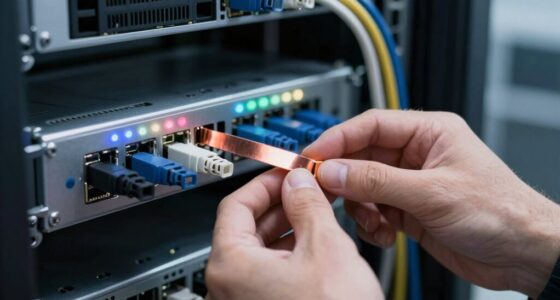

To prevent overheating in dense PoE environments, guarantee proper equipment placement with sufficient clearance for airflow and avoid stacking devices tightly together. Keep cables organized and away from vents to prevent obstructions. Use fans, ventilation panels, or air conditioning to enhance cooling, and regularly inspect and clean dust buildup to maintain ideal heat dissipation. Choosing equipment with thermal sensors and monitoring temperature levels helps catch hotspots early. Continue exploring these strategies to better protect your network.

Get networking and server gear delivered free — and shop member deals
- Fast, free delivery on millions of items
- Access to Prime Big Deal Days deals on October 6–7
- Prime Video, Amazon Music and more included
Key Takeaways
- Ensure adequate spacing and ventilation around PoE devices to facilitate proper airflow and heat dissipation.
- Use airflow management accessories like blanking panels and perforated vents to direct cool air efficiently.
- Regularly clean equipment and surroundings to prevent dust buildup that impairs cooling.
- Implement environmental controls such as air conditioning or fans to maintain optimal temperature levels.
- Monitor thermal conditions continuously with devices that have built-in sensors for early hotspot detection.
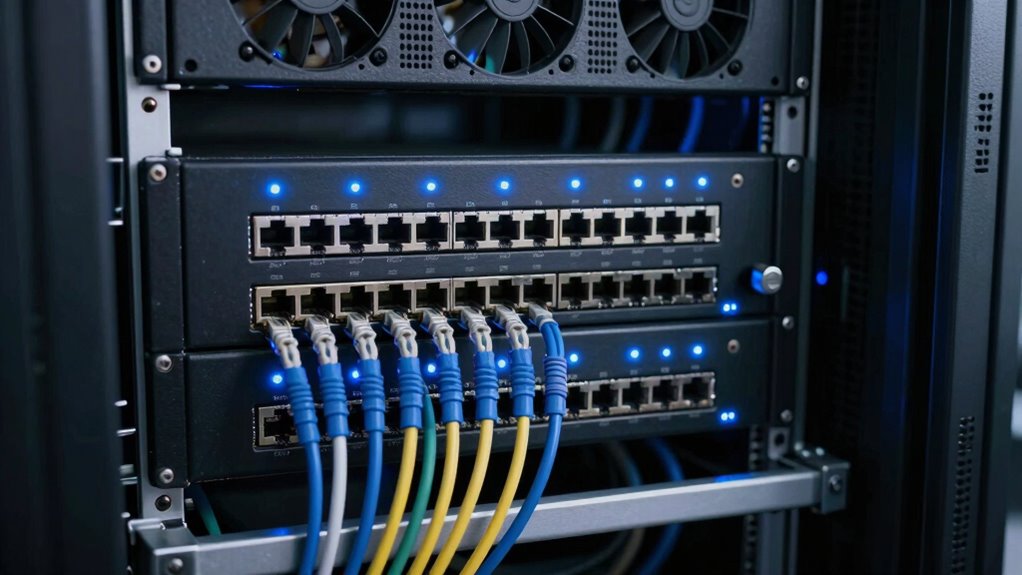
In dense Power over Ethernet (PoE) environments, overheating can quickly become a critical issue that jeopardizes network performance and hardware longevity. When multiple devices are packed tightly together, heat buildup becomes inevitable if you don’t implement proper thermal management strategies. To prevent this, you need to focus on maximizing airflow within your setup. Proper airflow ensures that heat generated by PoE switches, routers, and connected devices is efficiently dispersed, reducing the risk of overheating.
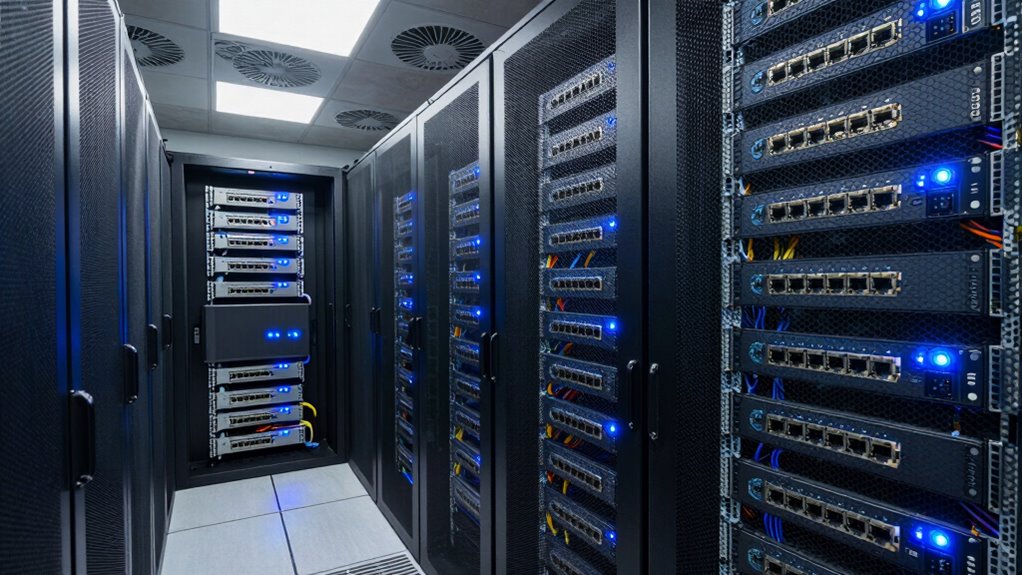
Start by evaluating your equipment placement. Avoid stacking devices directly on top of each other or cramming them into confined spaces. Instead, give each device enough clearance to allow air to flow freely around it. This simple step dramatically improves airflow and helps maintain a stable operating temperature. Ventilation is essential, so consider installing fans or ventilation panels to boost airflow in areas where natural convection isn’t sufficient. Fans actively draw in cool air and push out hot air, which greatly enhances thermal management.
Ensure proper device spacing and add fans or ventilation panels to improve airflow and prevent overheating.
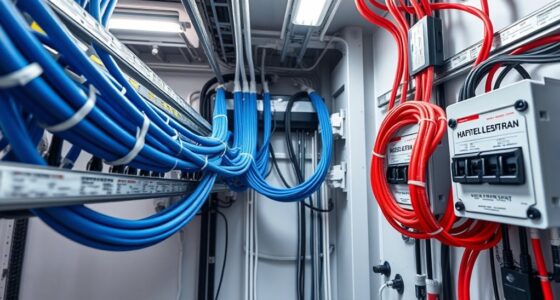
Another key aspect of airflow maximization is cable management. Tangled or disorganized cables block airflow paths, trapping heat around devices. Keep cables tidy and routed neatly to prevent obstruction of airflow channels. Use cable ties or clips to secure cables away from vents and fans, ensuring unobstructed movement of air. This not only improves cooling efficiency but also simplifies maintenance and troubleshooting.
Furthermore, selecting equipment designed for high-density environments can make a difference. Look for switches and PoE injectors with built-in thermal sensors and advanced cooling features. These devices monitor internal temperatures and adjust their operation to avoid overheating. Monitoring thermal levels in real-time allows you to identify hotspots early and take corrective actions before problems escalate. Additionally, selecting components with optimized airflow design can further improve heat dissipation and enhance overall thermal performance. Implementing thermal management solutions can further optimize heat dissipation and maintain consistent device performance.
Implementing environmental controls in your data room or rack is equally important. Maintain a consistent room temperature and humidity level. Use air conditioning units or climate control systems to keep ambient temperatures low, which supports overall thermal management. If possible, install airflow management accessories like perforated panels, racks with adjustable vents, or blanking panels to direct airflow precisely where it’s needed most. Additionally, incorporating proper ventilation techniques can significantly enhance heat dissipation in dense setups.
Finally, regularly inspecting your equipment for dust buildup and debris is essential. Dust acts as an insulator, trapping heat and reducing the efficiency of cooling mechanisms. Clean your hardware routinely to guarantee ideal thermal performance. By combining thoughtful airflow maximization, effective thermal management, and routine maintenance, you can greatly decrease overheating risks in dense PoE environments, ensuring your network remains reliable and your hardware lasts longer.
As an affiliate, we earn on qualifying purchases.
Frequently Asked Questions
What Are the Signs of Equipment Overheating in Poe Environments?
You’ll notice equipment overheating in PoE environments through signs like excessive heat, unusual noises, or unexpected shutdowns. Check for poor thermal insulation or blocked ventilation, which can trap heat. Improving ventilation helps dissipate accumulated warmth, reducing overheating risks. If you see these signs, act quickly by enhancing airflow and ensuring proper thermal insulation to maintain your equipment’s safety and performance.
How Does Cable Quality Affect Heat Dissipation in Dense Setups?
Cable quality considerably impacts heat dissipation in dense setups. High-quality cables with better insulation materials improve heat transfer away from the conductors, reducing overheating risks. Poor insulation can trap heat, causing temperatures to rise quickly. When you choose cables with superior insulation, you facilitate efficient heat transfer, preventing hotspots. This helps maintain ideal operating temperatures, ensuring your PoE devices run safely and reliably even in dense, power-intensive environments.
Are There Specific Cooling Solutions Recommended for Poe Switches?
You should consider installing cooling accessories like fans or heat sinks, and optimizing airflow around your PoE switches. Proper airflow guarantees heat doesn’t build up, and cooling accessories help dissipate excess heat more effectively. Position your switches in well-ventilated areas, and use cable management to prevent airflow blockages. These strategies work together to lower temperatures, maintain performance, and prolong your equipment’s lifespan in dense environments.
How Often Should Temperature Checks Be Performed in Dense Poe Areas?
You should perform temperature checks in dense PoE areas weekly to guarantee ideal thermal management. Regular monitoring helps identify overheating early, allowing you to adjust airflow and cooling solutions promptly. By maintaining consistent temperature checks, you can maximize airflow, prevent hotspots, and extend equipment lifespan. Incorporating thermal sensors or automated systems can further streamline this process, ensuring your PoE environment stays cool and operates efficiently.
Can Software Tools Help Monitor Overheating Risks Effectively?
Yes, software tools can help monitor overheating risks effectively through thermal management. By utilizing software monitoring, you can receive real-time alerts when temperatures approach unsafe levels, enabling quick interventions. These tools analyze sensor data, identify hotspots, and optimize cooling strategies automatically. Implementing thermal management software in dense PoE environments provides proactive oversight, reduces manual checks, and guarantees equipment remains within safe operating temperatures, preventing potential failures due to overheating.
rack ventilation panels for networking equipment
As an affiliate, we earn on qualifying purchases.
As an affiliate, we earn on qualifying purchases.
Conclusion
By ignoring overheating risks in dense PoE environments, you risk turning your entire network into a blazing inferno that could fry your equipment and shut down your business faster than you can say “system failure.” Take action now—install proper cooling, monitor temperatures, and design with heat in mind. Otherwise, you might wake up one day to a network meltdown so catastrophic, it’ll make the Great Fire look like a backyard bonfire! Stay cool, stay safe.
thermal sensor device for network hardware
As an affiliate, we earn on qualifying purchases.
As an affiliate, we earn on qualifying purchases.
As an affiliate, we earn on qualifying purchases.
Halloween Picks
halloween
As an affiliate, we earn on qualifying purchases.