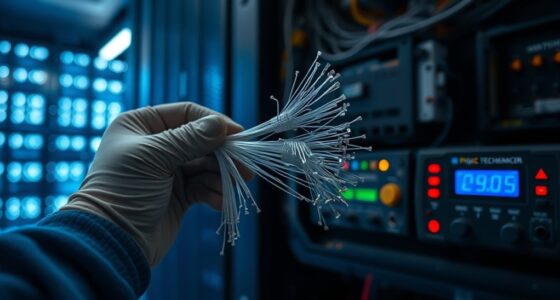

Network packet loss happens when data fails to reach your device due to wireless interference, hardware issues, or congestion. Common causes include signals from neighboring networks, physical obstructions, outdated equipment, and too many devices competing for bandwidth. To fix this, you can change Wi-Fi channels, upgrade your router or cables, and reposition your device for better signal strength. Keep exploring to discover more effective solutions and improve your network stability.
Key Takeaways
- Packet loss occurs when data packets fail to reach their destination, causing delays and degraded network performance.
- Wireless interference from neighboring networks, devices, and physical obstructions is a common cause of packet loss.
- Changing Wi-Fi channels, switching to 5GHz, and relocating routers can mitigate interference-related packet loss.
- Upgrading hardware like routers, cables, and network cards improves stability and reduces packet loss.
- Ensuring hardware compatibility and regular updates help maintain optimal network performance and minimize packet loss.

Network packet loss occurs when data packets traveling across a network fail to reach their intended destination. This can cause frustrating delays, disrupted video streams, dropped calls, and slow internet browsing. One common culprit behind packet loss is wireless interference, which happens when signals from other devices or networks disrupt your Wi-Fi connection. You might notice this if your Wi-Fi signal weakens in certain areas of your home or office, especially when multiple devices compete for the same frequency band. Wireless interference can stem from neighboring Wi-Fi networks, Bluetooth devices, microwave ovens, cordless phones, or even thick walls and metal objects that block signals. To mitigate this, you can change your Wi-Fi channel, switch to less congested frequency bands like 5GHz, or reposition your router to a more central, open location. However, sometimes interference is persistent and difficult to eliminate, especially in densely populated areas.
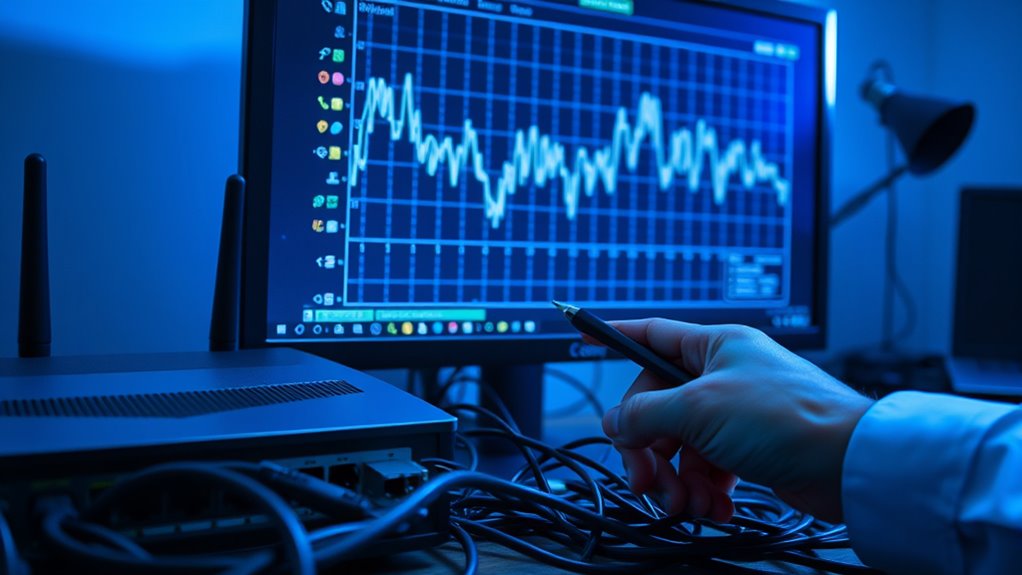
Wireless interference from nearby networks and devices can cause network packet loss and slow internet speeds.
In such cases, hardware upgrades can notably improve your network stability. Upgrading your wireless router to a newer model with advanced technologies, such as beamforming or multiple-input multiple-output (MIMO), can help reduce packet loss caused by interference. These routers are better at focusing signals toward your devices and managing multiple connections simultaneously. Additionally, replacing outdated network cables with higher-quality Ethernet cables can prevent packet loss caused by physical connection issues. If you’re using older networking hardware, it might not support the latest standards or handle high data throughput efficiently, leading to dropped packets. Upgrading your hardware ensures compatibility with current speeds and reduces the chances of packet loss due to hardware limitations. Furthermore, understanding the importance of projector technology in other fields highlights how advancements in hardware can significantly impact network performance.
Beyond wireless interference, hardware upgrades can also involve updating network interface cards (NICs) in your computers or servers. Modern NICs are more resilient and capable of better error correction, which minimizes packet loss during high traffic periods. If your network equipment is outdated, it can cause bottlenecks and increase packet loss, especially during peak usage times. Think about investing in a high-quality router, better antennas, or mesh network systems if your current setup struggles to deliver a stable connection. These improvements help maintain a consistent flow of data packets, reducing the risk of loss and ensuring smoother network performance.
Ultimately, tackling packet loss involves identifying the root cause—be it wireless interference or hardware limitations—and taking appropriate steps. Wireless interference is a common obstacle, but with strategic adjustments and hardware upgrades, you can considerably improve your network’s reliability. Regularly updating your equipment and optimizing your setup can make a noticeable difference in minimizing packet loss, giving you a faster, more stable, and enjoyable online experience.

TP-Link Smart WiFi 6 Router (Archer AX10) – 4 Gigabit LAN Ports, Dual Band 802.11AX Router, Beamforming, OFDMA, MU-MIMO, Parental Controls, Dual-Core 900MHz Processor, Works with Alexa
OneMesh Compatible Router – Form a seamless WiFi when work with TP-Link OneMesh WiFi Extenders
As an affiliate, we earn on qualifying purchases.
As an affiliate, we earn on qualifying purchases.
Frequently Asked Questions
How Does Packet Loss Affect Real-Time Communication Apps?
Packet loss impacts your real-time communication apps by causing poor audio quality and latency issues. When data packets drop, your voice or video streams become choppy or delayed, making conversations difficult and frustrating. You might experience gaps in audio, echoes, or delays that disrupt the flow. To improve your experience, check your network connection and consider fixing packet loss issues, which can help restore smooth, clear communication.
Can Hardware Upgrades Reduce Network Packet Loss?
Imagine replacing worn-out gears in a finely tuned machine—that’s what hardware upgrades do for your network. Upgrading your hardware enhances compatibility with current technology and reduces packet loss. Ensuring firmware updates are current keeps your equipment running smoothly, preventing hiccups. With compatible hardware and up-to-date firmware, you create a resilient network that minimizes packet loss, supporting seamless, real-time communication experiences you rely on daily.
What Role Does Network Congestion Play in Packet Loss?
Network congestion plays a major role in packet loss because it overwhelms your network’s capacity, causing data packets to be dropped or delayed. When traffic exceeds your bandwidth, your network struggles to manage the load. Implementing effective traffic management strategies, like prioritizing critical data and controlling bandwidth usage, can reduce congestion and minimize packet loss, ensuring smoother and more reliable network performance for you.
Are Specific Protocols More Prone to Packet Loss?
Certain protocols are more prone to packet loss due to protocol vulnerabilities and encryption impacts. For example, protocols with weak security measures or complex encryption can introduce delays or errors, increasing the chances of lost packets. You should consider these factors when choosing protocols, as vulnerabilities and encryption overhead can cause instability, especially under network congestion. Regular updates and proper configuration help mitigate these issues and improve overall transmission reliability.
How Can I Monitor Packet Loss in a Large Network?
Did you know that up to 80% of network issues can be identified through effective monitoring? To track packet loss in a large network, you should use network monitoring tools like Nagios or SolarWinds, which provide real-time insights. Incorporate bandwidth analysis to pinpoint congestion points. Regularly analyze these metrics, set thresholds, and automate alerts to quickly detect and address packet loss issues before they impact your network performance.

UGREEN Cat 8 Ethernet Cable 6FT, High Speed Braided 40Gbps 2000Mhz Network Cord Cat8 RJ45 Shielded Indoor Heavy Duty LAN Cables Compatible with Gaming PC PS5 PS4 PS3 Xbox Modem Router 6FT
40 Gbps 2000 Mhz High Speed: The Cat 8 ethernet cable support max. 40 Gbps data transfer and…
As an affiliate, we earn on qualifying purchases.
As an affiliate, we earn on qualifying purchases.
Conclusion
To wrap it up, understanding the causes of network packet loss helps you troubleshoot effectively. Whether it’s bandwidth issues, hardware problems, or interference, addressing these can restore your connection’s reliability. Remember, even in this digital age, the basics matter—like a trusty old dial-up modem that once kept us connected. Don’t let packet loss turn your online experience into a Shakespearean tragedy; fix it now and enjoy smooth sailing again.

TP-Link AX1800 WiFi 6 Router (Archer AX21) – Dual Band Wireless Internet, Gigabit, Easy Mesh, Works with Alexa – A Certified for Humans Device, Free Expert Support
DUAL-BAND WIFI 6 ROUTER: Wi-Fi 6(802.11ax) technology achieves faster speeds, greater capacity and reduced network congestion compared to…
As an affiliate, we earn on qualifying purchases.
As an affiliate, we earn on qualifying purchases.

TP-Link 2.5GB PCIe Network Card (TX201) – PCIe to 2.5 Gigabit Ethernet Network Adapter, Supports Windows 11/10/8.1/8/7, Win Server 2022/2019/2016, Linux
2.5 Gbps PCIe Network Card: With the 2.5G Base-T Technology, TX201 delivers high-speeds of up to 2.5 Gbps,…
As an affiliate, we earn on qualifying purchases.
As an affiliate, we earn on qualifying purchases.