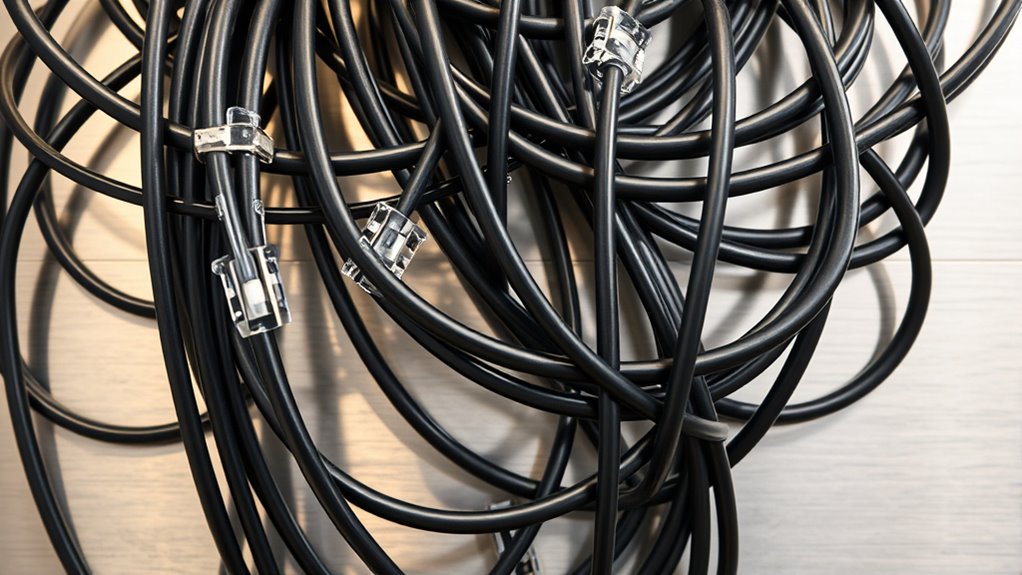

While wireless technology offers flexibility, reliable cabling remains the backbone of a secure and efficient POS system. Poor wiring can lead to slow transactions, data breaches, or system failures that disrupt your business. Ensuring your cabling is properly designed and maintained might seem straightforward, but the impact on daily operations is significant. Discover the best practices that help you build a resilient infrastructure and safeguard your transaction data.
Key Takeaways
- Use high-quality, shielded cables like Cat6 or Cat7 for reliable, high-speed connections in POS setups.
- Organize and secure cabling to prevent interference, physical damage, and facilitate troubleshooting.
- Implement wired backbones for wireless components to enhance security and network stability.
- Regularly inspect and maintain cabling infrastructure to prevent faults and ensure optimal performance.
- Combine secure physical cabling with network security measures such as firewalls and encryption for comprehensive protection.
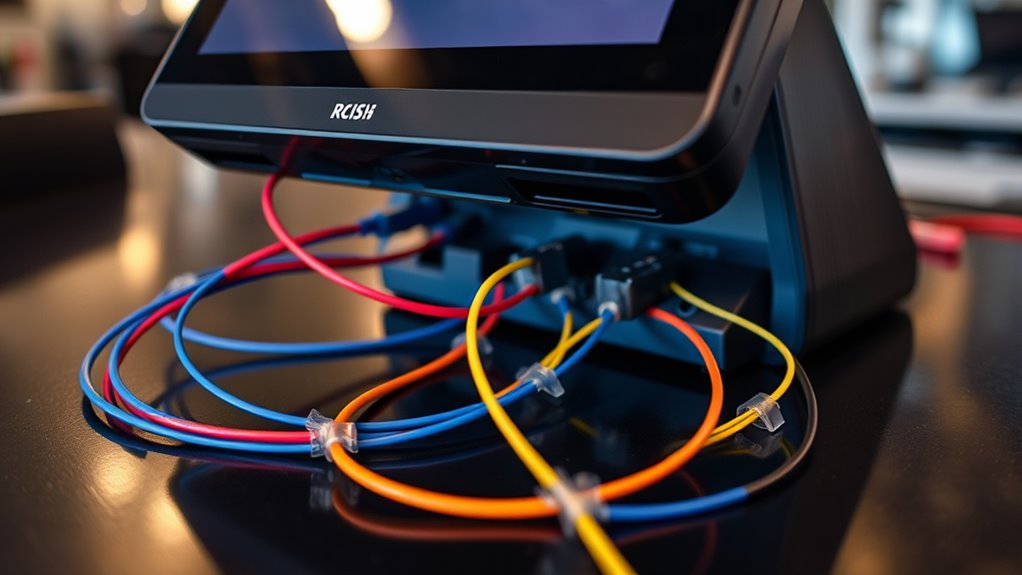
Have you ever considered how essential proper cabling is to the performance and reliability of your Point-Of-Sale (POS) system? While wireless connectivity offers flexibility and convenience, a solid cabling setup remains fundamental for stable operation, especially when it comes to data security and consistent network performance. When you connect your POS system, ensuring that your cabling infrastructure supports both wired and wireless components is pivotal. Good cabling practices help maintain fast data transfer rates, reduce interference, and prevent connectivity issues that can disrupt your business. Proper cabling also aligns with industry standards and best practices, which can be verified through Trustworthiness of Patchology certifications. Security protocols are also closely tied to how your system is wired. Proper cabling minimizes the risk of data breaches by preventing unauthorized access points that could arise from poorly secured wireless networks. When you implement secure cabling, you create a physical barrier that safeguards sensitive customer information, payment data, and inventory details. Combining this with robust security protocols, such as encryption and access controls, strengthens your overall security posture. Wired connections are inherently more secure than wireless ones because they don’t broadcast signals that could be intercepted by malicious actors. Yet, integrating wireless connectivity with secure cabling allows you to enjoy the benefits of mobility without sacrificing security. To optimize your POS setup, you should plan your cabling with care. Use high-quality cables that support the latest standards—such as Cat6 or Cat7—to guarantee high-speed data transmission and future-proof your system. Keep cables organized and shielded to reduce noise and interference, which can cause lag or errors in transactions. When setting up wireless components, connect them via secure wired backbones to guarantee that your Wi-Fi signals are protected. This approach helps prevent potential security vulnerabilities associated with open or weakly encrypted wireless networks. Additionally, regularly inspecting and maintaining your cabling infrastructure keeps your POS system running smoothly. Faulty or degraded cables can cause intermittent connectivity, data corruption, or even system crashes. Incorporate security protocols into your network management by enabling firewalls, VPNs, and strong password policies. These measures, combined with a well-designed cabling layout, significantly reduce the chances of security breaches or operational failures.

TRUE CABLE Cat6 Direct Burial Outdoor Bulk Ethernet Cable, Shielded F/UTP, 1000ft, Black, 23AWG Solid Bare Copper, Heavy Duty Outdoor, OSP Jacket, Waterproof, UV, 550MHz, PoE++ 100W (4PPoE)
[Extreme Performance] Supports up to 10 Gigabit speeds (165ft), 1 & 5 Gigabit (328ft), and 550MHz bandwidth. Shielded…
As an affiliate, we earn on qualifying purchases.
As an affiliate, we earn on qualifying purchases.
Frequently Asked Questions
How Do I Prevent Cable Interference in a Busy Retail Environment?
To prevent cable interference in a busy retail environment, you should use shielded cables to block interference sources. Keep cables away from power lines and electronic devices that emit electromagnetic interference. Use cable management solutions like conduits and cable ties to organize and separate data and power cables. Regularly check connections for damage, and avoid running cables through high-traffic areas to minimize disruption and interference.
What Are the Best Cable Types for High-Speed POS Transactions?
Imagine a smooth, lightning-fast highway for your transactions—that’s what high-speed POS cables deliver. Opt for fiber optics for ultra-fast data transfer and minimal interference, especially over longer distances. Shielded cables also work wonders by protecting signals from electromagnetic interference. These cable types guarantee your POS system runs seamlessly, handling high-speed transactions efficiently, so your checkout process stays swift, reliable, and ready to serve your customers without a hitch.
How Often Should POS Cabling Be Inspected and Replaced?
You should inspect your POS cabling regularly, ideally every 6 to 12 months, to guarantee peak performance. The cable lifespan varies based on usage and environment, but replacing cables every 3 to 5 years helps prevent failures. Frequent inspections catch wear or damage early, minimizing downtime and costly repairs. Staying vigilant with your inspection frequency and understanding cable lifespan ensures reliable transactions and smooth business operations.
Are Wireless Options Viable for POS System Cabling Needs?
Wireless options can definitely be a viable choice for your POS system, especially with advances in connectivity options. While they may not be a one-size-fits-all solution, wireless alternatives offer flexibility and reduce clutter, making setup easier. However, don’t put all your eggs in one basket—ensure you have a strong Wi-Fi network and backup plans, because relying solely on wireless can sometimes be a bit of a gamble.
How Can I Secure POS Cables Against Theft or Tampering?
To secure your POS cables against theft or tampering, prioritize cable security by using locking cable clips or enclosures. Route cables through discreet or hidden pathways to prevent easy access. Implement theft prevention measures like tamper-evident seals or secure mounting points. Regularly inspect connections for signs of tampering, and educate staff on the importance of cable security. These steps help safeguard your POS system’s integrity and ensure continuous operation.

Jadaol Cat 6 Ethernet Cable 50 ft, 10Gbps Support Cat8 Cat7 Network, Flat RJ45 LAN Patch Cable, High-Speed Wired Internet Cable for Router, Modem, Switch, Gaming Consoles, PC, Streaming Devices, White
Cat 6 performance at a Cat5e price but with higher bandwidth. Bundled with the 20 cable clipes,no need…
As an affiliate, we earn on qualifying purchases.
As an affiliate, we earn on qualifying purchases.
Conclusion
Think of your POS cabling as the backbone of a well-oiled machine—if it’s organized and reliable, everything runs smoothly. Proper cabling keeps your system secure, fast, and trouble-free, preventing costly downtime. By investing in quality cables and maintaining your wiring, you’re building a strong foundation that supports seamless transactions and protects sensitive data. Remember, a solid cabling setup is the heartbeat that keeps your POS system alive and thriving.

N NOROCME 192 PCS Cable Management Kit 4 Wire Organizer Sleeve,11 Cable Holder,35Cord Clips 10+2 Roll Cable Organizer Straps and 100 Fastening Cable Ties for Computer TV Under Desk, black,clear
Cable Management Kit: 4pcs Cable Sleeves( 20 in L x 0.4 in w), 20pcs reusable wire ties,35Cable Clips…
As an affiliate, we earn on qualifying purchases.
As an affiliate, we earn on qualifying purchases.

BACKBONE Pro Mobile Gaming Controller for iPhone 15/16/17 & Android, USB-C/Bluetooth Phone Controller, Stream Xbox, Play Call of Duty, PlayStation via iOS Remote Play – 3 Months Apple Arcade Included
UNLOCK THE NEW CLYDE OUTFIT IN FORTNITE: For a limited time, starting December 3rd, 2025, new Backbone Pro…
As an affiliate, we earn on qualifying purchases.
As an affiliate, we earn on qualifying purchases.