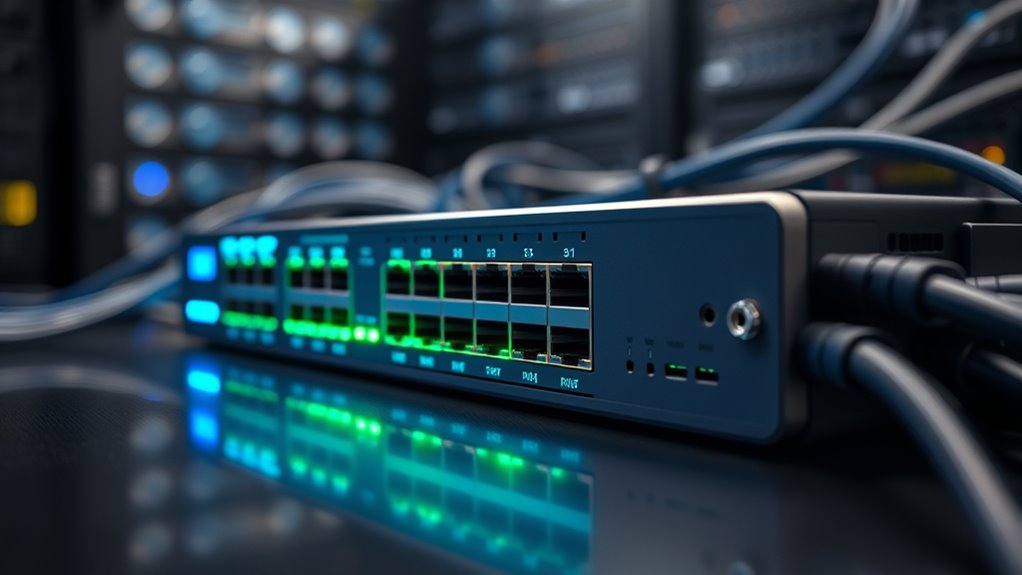

Choosing the right network switch involves understanding your current needs, anticipating future growth, and balancing features with simplicity. You need to take into account port count, speed, and management capabilities, knowing that a misstep can lead to bottlenecks or security gaps. As you weigh options, it’s important to evaluate placement and scalability—factors that can make or break your network’s efficiency. How do you find the best fit for your organization’s evolving demands?

Get business pricing on networking and server gear
- Business-only prices and quantity discounts
- Tax-exempt purchasing
- Multiple users, one account, clear invoices
Key Takeaways
- Assess network size and device needs to determine appropriate port count and speed (gigabit or 10Gb).
- Choose managed switches for advanced features like VLAN, QoS, and remote management; unmanaged for simplicity.
- Consider PoE capabilities to power devices like IP cameras and VoIP phones, reducing additional hardware.
- Strategically place switches near connected devices in secure, accessible locations to optimize performance and maintenance.
- Align switch features and placement with current and future network growth to ensure scalability and robustness.
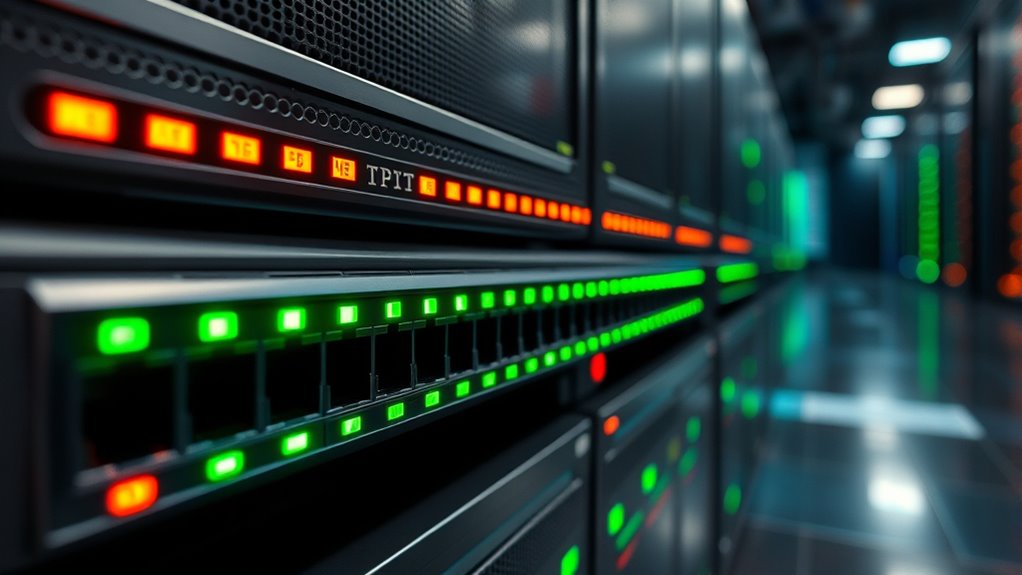
Choosing the right network switch is essential for guaranteeing your network runs smoothly and efficiently. The decision hinges on understanding the network switch features that best meet your needs, as well as developing effective switch placement strategies. These two elements work together to optimize your network’s performance, reliability, and scalability. When evaluating network switch features, you need to consider factors like port count, speed, and management capabilities. For example, if you’re managing a large office with numerous devices, a switch with higher port density and support for gigabit or even 10-gigabit speeds is vital. Managed switches offer advanced features such as VLAN support, Quality of Service (QoS), and remote configuration, giving you greater control over traffic flow and security. Unmanaged switches, on the other hand, are simpler to deploy but lack customization options, making them suitable for small or less complex networks.
Switch placement strategies are equally important because they influence network efficiency and ease of maintenance. Proper placement ensures minimal cable length, reduces latency, and simplifies troubleshooting. You should position switches close to the devices they serve, ideally in a central location where they can connect efficiently to core networking equipment. In larger environments, deploying switches at strategic points—such as wiring closets or server rooms—helps distribute network traffic evenly and prevents bottlenecks. Additionally, placing switches in accessible yet secure locations allows for easier upgrades and repairs without disrupting the entire network. When planning switch placement, consider future growth; leave room for expansion so you won’t have to reconfigure your entire setup down the line. Understanding network switch features and their impact can help ensure your network remains robust and adaptable.
Your choice of switch features and placement strategies directly impacts your network’s performance and stability. For example, selecting a managed switch with PoE (Power over Ethernet) capabilities can eliminate the need for separate power supplies for devices like IP cameras or VoIP phones, simplifying installation. Meanwhile, thoughtful placement ensures that your network remains scalable and manageable as your needs evolve. It’s not just about buying the most advanced switch but choosing one that aligns with your current requirements and future plans. Proper planning and understanding of these aspects can save you time, money, and frustration down the road. Ultimately, a well-chosen switch combined with strategic placement guarantees a robust, secure, and efficient network that supports your organization’s goals effectively.
Products Worth Considering

Apple iPad Air 11-inch (M2), 512GB, Wi-Fi, Space Gray

Apple iPad Air (4th Generation, 10.9-inch, Wi-Fi, 256GB) – Space Gray

Bose QuietComfort Wireless Noise-Cancelling Over-Ear Headphones, Black
As an affiliate, we earn on qualifying purchases.
Frequently Asked Questions
How Does Switch Security Impact Network Performance?
Switch security directly impacts network performance by ensuring that unauthorized devices can’t access sensitive data, which maintains smooth operations. Implementing network segmentation limits broadcast traffic, reducing congestion, while access control restricts user permissions, preventing unnecessary data flow. These security measures keep the network efficient, prevent potential bottlenecks, and protect against threats, ensuring your network runs ideally without sacrificing security.
Can Switches Be Upgraded or Expanded Later?
Yes, you can upgrade or expand your switches later. Many switches support modular expansion, allowing you to add or replace components like ports or modules as your network grows. Firmware upgrades are also common, helping improve performance and security without replacing hardware. By choosing switches with these features, you guarantee your network remains flexible and scalable, accommodating future needs with minimal disruption.
What Are the Signs of Switch Hardware Failure?
Your switch is like a heartbeat—if it slows down or skips, trouble’s brewing. Watch for signs like frequent disconnects, slow network speeds, or unusual noises. Run hardware diagnostics to check for faults, and make sure firmware updates are current, as outdated software can cause failures. If problems persist despite these steps, it’s time to think about replacing the hardware before it causes a network crash.
How Do Switches Handle Power Management?
Switches handle power management through features like Power over Ethernet (PoE) and energy efficiency protocols. PoE allows switches to supply power directly to connected devices, reducing the need for extra power adapters. They also optimize energy use by adjusting power based on device requirements, ensuring minimal energy wastage. This efficient power management helps you save on energy costs and supports a sustainable network environment.
Are There Eco-Friendly Switch Options Available?
Think of eco-friendly switches as the green thumbs of networking. Yes, there are energy-efficient switches that help reduce power consumption, supporting green networking initiatives. These switches feature technologies like Power over Ethernet (PoE) optimization and automatic power-down modes, which cut energy use without sacrificing performance. By choosing such options, you’re not only saving money but also helping the environment, making your network smarter and greener every step of the way.
Conclusion
Choosing the right network switch sets the foundation for a reliable, scalable network—much like planting a sturdy oak that will grow strong over time. Consider your current needs and future plans, balancing features and placement carefully. Don’t rush into a decision; remember, even the most advanced switch can be as useless as a knight without his armor if not properly integrated. Make your choice wisely, and your network will serve you well for years to come.