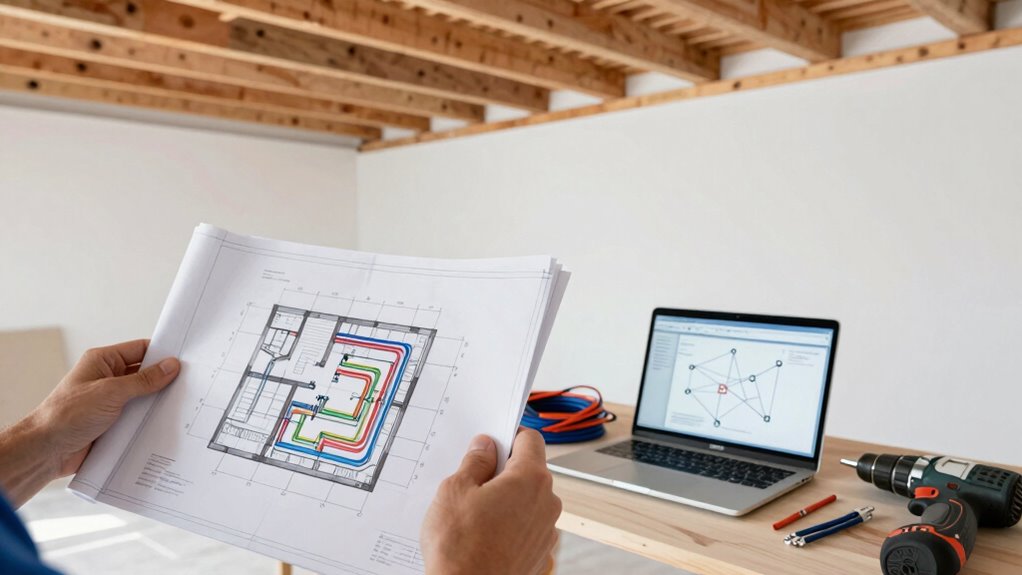

To plan your Ethernet upgrade around a renovation timeline, start by evaluating your current network and identifying needs for future growth. Coordinate with contractors early, including conduit paths and access points in your plans. Schedule cabling and equipment installations during phases with minimal activity, like wall openings or electrical work, to reduce disruptions. Consider wireless options as a supplement but prioritize wired stability for high-demand areas. Careful planning guarantees a smooth upgrade—keep exploring for detailed tips on timing and costs.

Get business pricing on networking and server gear
- Business-only prices and quantity discounts
- Tax-exempt purchasing
- Multiple users, one account, clear invoices
Key Takeaways
- Coordinate network installation with renovation phases, prioritizing wall openings and electrical work to minimize disruptions.
- Assess current infrastructure to identify upgrade needs and ensure scalability for future growth.
- Incorporate conduit pathways and access points into early renovation plans for seamless integration.
- Schedule network upgrades during low-activity periods to reduce impact on ongoing construction.
- Obtain detailed quotes and plan for testing to ensure reliable, compliant, and future-proof network performance.
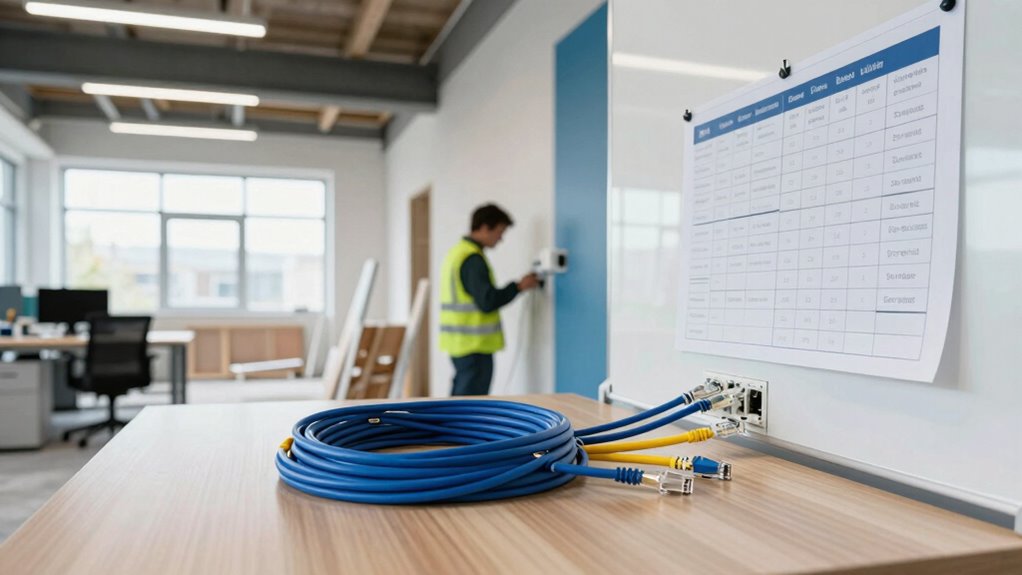
Upgrading your Ethernet infrastructure is essential to guarantee faster speeds, improved reliability, and better support for growing network demands. When planning this upgrade around a renovation timeline, timing becomes critical. You need to coordinate your network upgrade so that it aligns with construction phases, minimizing disruptions and avoiding costly rework. Start by evaluating your current network setup and identifying the areas where upgrades are most needed. This helps you determine whether you’re simply replacing outdated cabling or if you need a more extensive overhaul, including switches, routers, and wiring pathways.
Upgrading Ethernet ensures faster, more reliable network performance aligned with your renovation timeline for minimal disruption.
Next, consider the scope of your renovation and how it impacts your network needs. If you’re expanding office space or adding new rooms, you’ll likely need additional outlets and cabling runs. Planning these in advance ensures you don’t face delays once construction begins. Consulting with your contractors early on and sharing your networking goals allows them to incorporate conduit paths and access points into their plans. This proactive approach prevents the need for costly retrofits later on. Additionally, understanding network infrastructure options can help you choose scalable solutions that grow with your needs. A clear understanding of cabling standards can also ensure your installation meets industry requirements and future-proof your network. Incorporating knowledge of whole-home water systems, such as proper conduit placement and wiring pathways, can also influence your network planning to accommodate future upgrades seamlessly. Moreover, considering wireless solutions as part of your overall strategy can provide added flexibility, especially in areas where running cables is challenging.
As you develop your upgrade plan, explore wireless alternatives. While Ethernet provides stability and speed, some areas may benefit from Wi-Fi enhancements, especially if running new cables becomes impractical. Investing in high-quality wireless access points can bridge gaps temporarily or permanently, offering flexibility during and after the renovation. Keep in mind, though, that wireless solutions might not fully replace wired connections in high-demand environments, so weigh their role carefully.
Cost estimation is another critical part of your planning process. You need to understand the financial implications of upgrading your Ethernet infrastructure versus relying on wireless alternatives. Get detailed quotes from vendors for cabling, switches, routers, and installation services. Factor in potential disruptions to your renovation schedule, which can add costs if not properly scheduled. By comparing these estimates, you can make informed decisions about your budget allocations and identify areas where you can cut costs or need to invest more.
Timing your upgrade strategically means scheduling the installation during phases of renovation with minimal activity, such as when walls are open or electrical work is underway. This reduces labor costs and the chance of damaging new wiring. Also, plan for testing and troubleshooting before the final move-in, so you’re confident your network is robust and ready to handle your business’s demands. Additionally, considering long-term network planning can help you develop a resilient infrastructure that accommodates future growth and technological advancements.
Products Worth Considering

Sony WH-1000XM4C Wireless Noise-Cancelling Headphones, Black

Bose QuietComfort Headphones (2nd Gen), Wireless Noise-Cancelling Over-Ear Headphones, Eucalyptus Green

Logitech MX Keys S Wireless Keyboard, Graphite
As an affiliate, we earn on qualifying purchases.
Frequently Asked Questions
How Do I Budget for Unexpected Ethernet Upgrade Costs?
To budget for unexpected Ethernet upgrade costs, set aside a flexible contingency fund based on initial estimates. Consider potential issues like cable management challenges or hidden wiring needs that could arise during renovation. This buffer helps cover surprises without stressing your budget. Also, invest in network security upgrades as part of your plan, ensuring your new setup remains protected. Regularly review and adjust your budget to stay prepared for any unforeseen expenses.
What Are the Best Tools for Testing Ethernet Cable Performance?
To test your Ethernet cable performance effectively, use tools like a cable tester or a network analyzer. These devices help identify issues caused by wireless interference or poor cable management, ensuring your connection remains stable. Look for testers that check for continuity, signal strength, and interference. Proper testing allows you to pinpoint problems early, so you can address cable issues before or during your renovation, maintaining a reliable network.
How Can I Future-Proof My Ethernet Infrastructure?
To future-proof your Ethernet infrastructure, you should incorporate fiber optics for faster, more reliable connections and plan for seamless wireless integration. Opt for higher bandwidth switches and cabling that support emerging standards like Wi-Fi 6. Regularly assess your network needs, and upgrade components proactively. This approach guarantees your network remains scalable, efficient, and ready for future technologies, minimizing costly overhauls down the line.
What Safety Precautions Are Needed During Installation?
Think of installing Ethernet cables like steering through a busy street—you need to stay alert for safety. To guarantee cable safety, wear gloves and eye protection, and avoid damaging existing wiring. Follow installation guidelines carefully, like keeping cables away from heat sources and sharp edges. Always turn off power before working near electrical outlets. These precautions help prevent accidents and ensure a smooth, safe upgrade process.
How Do I Coordinate Ethernet Upgrades With Other Renovation Tasks?
You should coordinate Ethernet upgrades with other renovation tasks by planning cable routing early, guaranteeing it complements new structural changes. Communicate with contractors about equipment placement to avoid conflicts and ensure easy access later. Schedule the installation of networking components during less disruptive phases of the renovation, and verify that cable runs won’t interfere with other systems. This proactive approach keeps your upgrade aligned with the overall renovation timeline and minimizes rework.
Conclusion
Planning your Ethernet upgrade during a renovation is like setting the foundation for a strong house—if you get it right, everything else will stand tall. By syncing your network improvements with your construction timeline, you avoid costly rework and downtime. Keep your eye on the prize, stay flexible, and communicate clearly with your contractors. With a solid plan in place, you’ll soon enjoy a seamless, lightning-fast connection that’s as reliable as the sunrise.